

1
Register
Create a ready Sufia workspace with your project details.
No database setup. No infrastructure setup.
Sufia Hub prepares the workspace, database, app access, and live environment so your team can focus on code and business features.
Workspace
Ready URL
Database
Prepared
App
Live Path
┌──────────────────────────────────────┐
│ Sufia Hub                             │
├──────────────────────────────────────┤
│ workspace      READY                  │
│ database       READY                  │
│ app access     READY                  │
│ SOADMIN        OPEN                   │
└──────────────────────────────────────┘

Next:
> open builder
> code business flow
> run app live

No setup day required.
Workspace ready
No setup day required
Skip setup and start building
Create a ready Sufia workspace with your project details.
Database, workspace access, and app path are prepared for you.
Open SOADMIN and start creating forms, reports, and workflows.
Keep improving the app with Sufia Hub, AI guidance, and CLI workflow.
Setup deleted
New users do not need to prepare servers, database access, or a first deployment path. Sufia Hub gives them the starting point so they can focus on business features.
Sufia DocumentationStart with database access already prepared for the workspace.
Open a ready Sufia environment instead of preparing infrastructure.
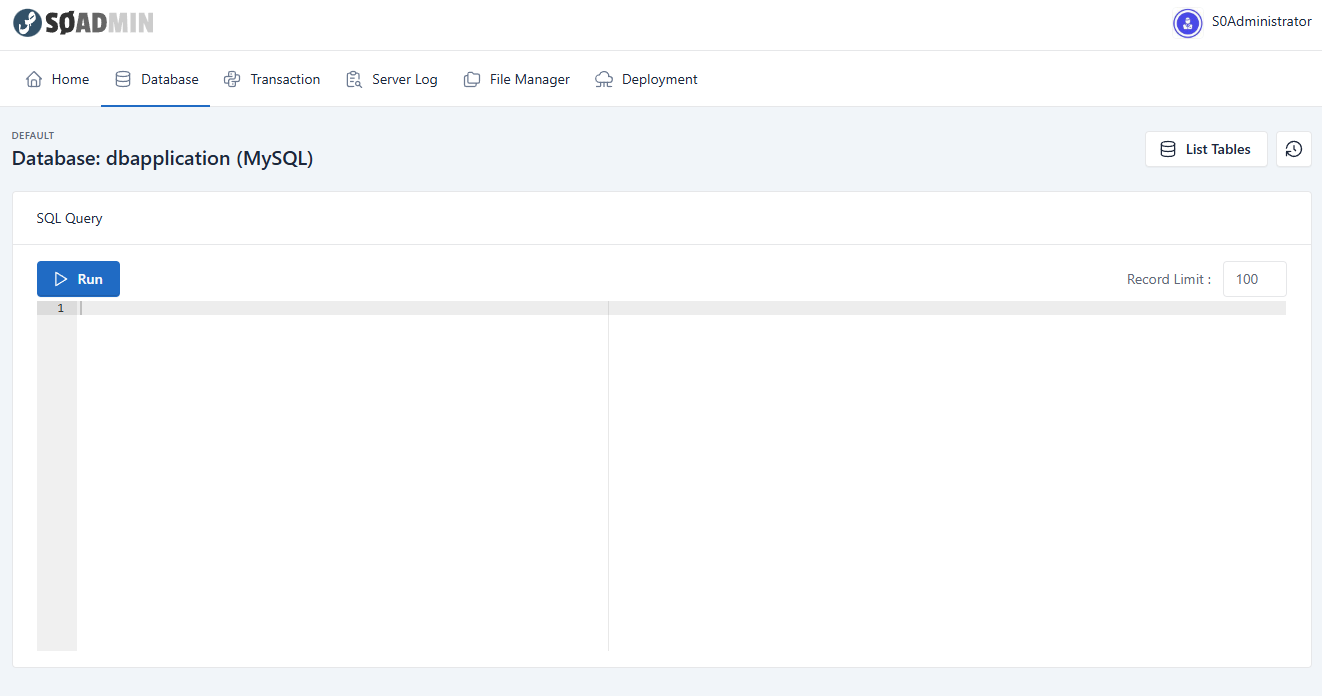
Use SOADMIN to create transactions, reports, and workflows.
Keep the app running and improve it from the same workspace.
Pull
Read existing work
Create
Build transactions
Push
Send to Sufia
Build faster when ready
Start by building in SOADMIN. When you want to move faster, use the Sufia guide, skill package, and CLI workflow to help create or update app features.
Start without setup